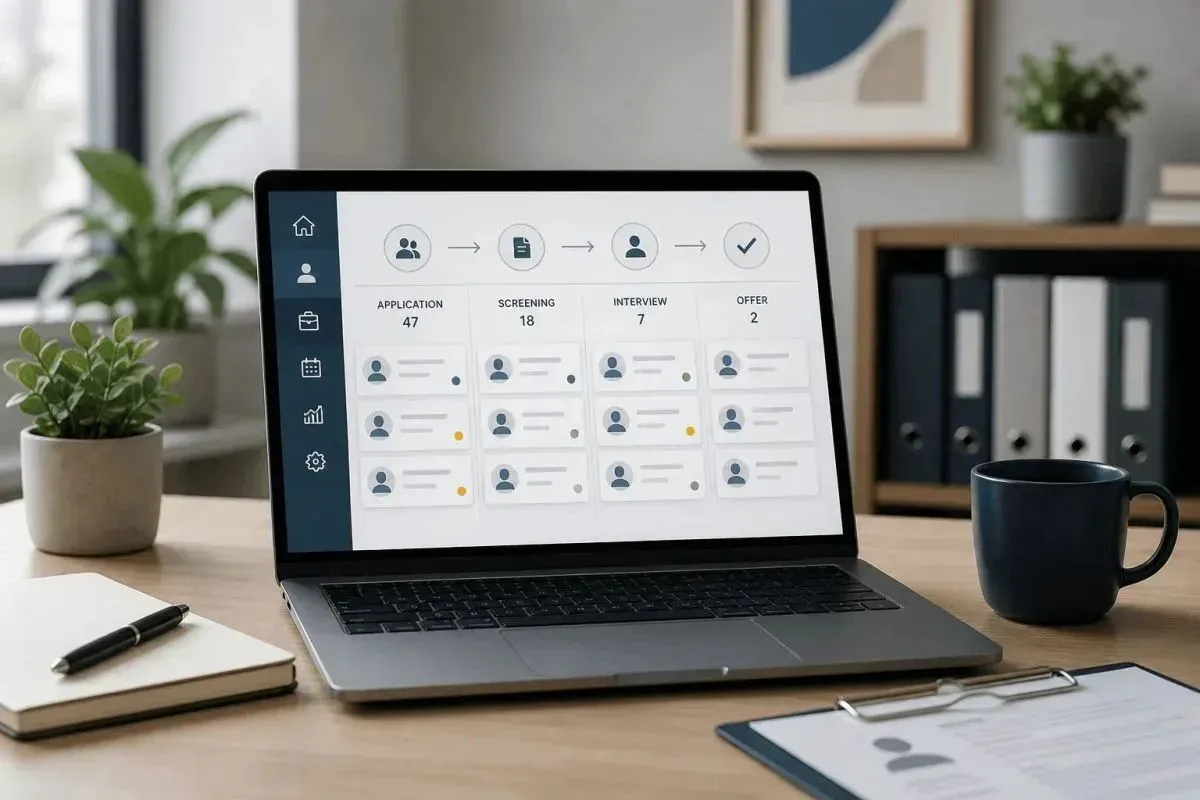

If you start comparing types of applicant tracking systems, the differences show up fast. Some tools suit small teams that need something simple and live within minutes, while others fit large organizations with layered workflows and longer setup cycles. Pricing and hiring volume narrow the field early, and a recruiting solution that pairs software with hands-on support can make the choice easier.
TLDR:
-
ATS software manages hiring from job posting through offer.
-
Some free tools exist, while enterprise systems require custom quotes.
-
Workday and Greenhouse typically require custom pricing through a sales conversation.
-
Some tools pair ATS software with on-demand recruiters billed hourly, with no placement fees under hourly billing.
-
Matching the system to company size and hiring volume narrows the options.
What Is an Applicant Tracking System?
An applicant tracking system, or ATS, is software that manages hiring from job posting to offer, letting teams collect applications, organize candidates, and move people through interview stages in one place instead of juggling spreadsheets and email threads.
ATS software automates manual operations that would otherwise consume hours of administrative work each week. The global applicant tracking system market was valued at roughly $3.14 billion in 2025 and is projected to reach about $6.35 billion by 2034, according to IMARC Group ATS market report.
For job seekers, the ATS acts as a gatekeeper, parsing resumes into structured fields and filtering by keywords or knockout questions before a hiring team opens a file. This screening works as a filter instead of a final decision maker, since human reviewers still make the actual hiring calls.
How We Assessed Applicant Tracking Systems
To compare the options in this guide, we looked at publicly available information across several factors that actually matter to hiring teams.
Evaluation Criteria
We looked at pricing transparency and total cost, core features, ease of setup, scalability, support for unlimited users and jobs, AI-powered screening, integrations, and candidate communication tools. No single ATS wins in every category, so the goal is matching the right system to the right stage.
| Tool | Starting Price | Free Tier | Best For |
|---|---|---|---|
| Dover | Free ATS; Premium $199/month | Yes, unlimited jobs and users | Early-stage startups hiring without a recruiting team |
| Workday | Custom quote only | No | Enterprises already running Workday HCM |
| iCIMS | Custom quote plus module and implementation fees | No | Large employers with high-volume hiring needs |
| Workable | $299/month and up | No | Small to mid-sized teams needing fast sourcing |
| Greenhouse | Custom pricing, modules priced separately | No | Teams wanting DEI tooling and deep analytics |
| Lever | Custom quote only, no published pricing | No | Teams wanting combined ATS and CRM tools |
Dover: Free ATS With On-Demand Recruiters
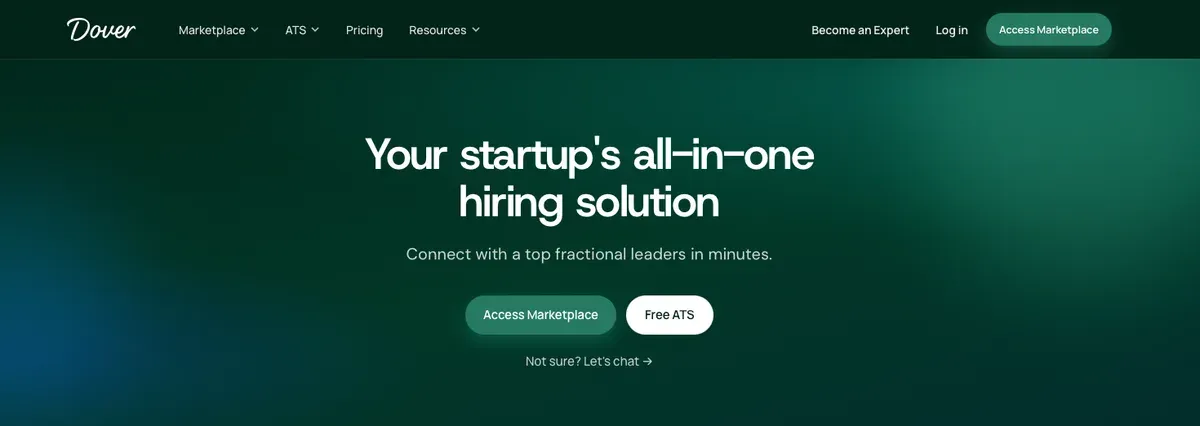
Dover’s free ATS is built for startups that need to hire without a dedicated recruiting team. Setup takes minutes, and the free tier includes unlimited jobs and users with no seat-based pricing, which separates it from most competitors in this space.
What Dover Offers
-
Free ATS with unlimited jobs and users, no hidden costs
-
AI resume review on the premium plan ($199/month) that can score applicants against job requirements, with your team making the final call
-
One-click posting to 50+ job boards, including Indeed
-
On-demand recruiter marketplace with vetted fractional recruiters
Recruiter Marketplace and Pricing
The recruiter marketplace gives you on-demand access to fractional recruiters who work hourly, so you pay only for hours worked. Under the hourly model, there are no long-term contracts and no placement fees, though retainer and pay-per-hire structures are also available. Average cost per hire across all roles runs roughly $4,800, well below traditional agency fees, though costs can vary by role and recruiter. Recruiters work inside the same ATS as your team.
Pros: Free with unlimited jobs and users, fast setup, and on-demand recruiters billed hourly with no placement fees under that model.
Cons: Less suited for large enterprises that need full HCM integration.
Good for: Seed to Series C startups running 5-50 hires per year, especially founders handling recruiting tasks they’d prefer to delegate.
Workday
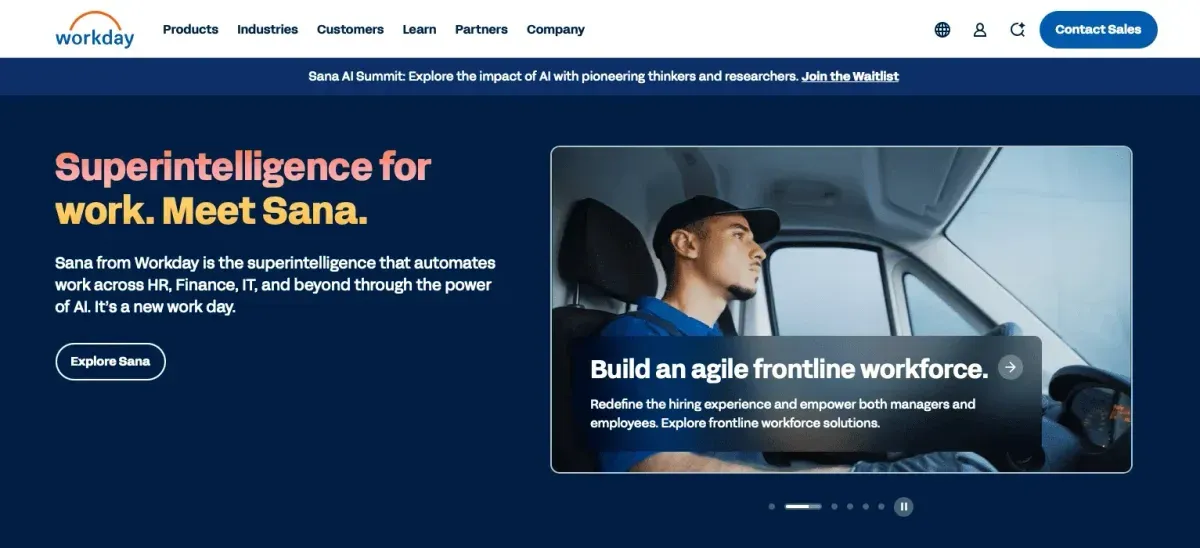
Workday Recruiting sits inside Workday’s broader HCM system, handling job requisitions through onboarding while sharing data with payroll, benefits, and workforce planning. It suits enterprises that want one system of record across HR, though teams outside the existing Workday ecosystem may find setup heavier than a standalone ATS.
Key Workday Features
-
Machine learning-assisted screening, automation, and interview coordination
-
Branded career sites and automated offer management
-
Deep integration with Workday HCM across payroll, benefits, and employee data
Pros: One system of record across HR functions with deep data sharing and strong recruiting analytics.
Cons: No published pricing or free plan, and setup can feel heavy for teams without existing HCM infrastructure.
Good for: Large enterprises already running Workday HCM who want recruiting built into the same ecosystem.
iCIMS
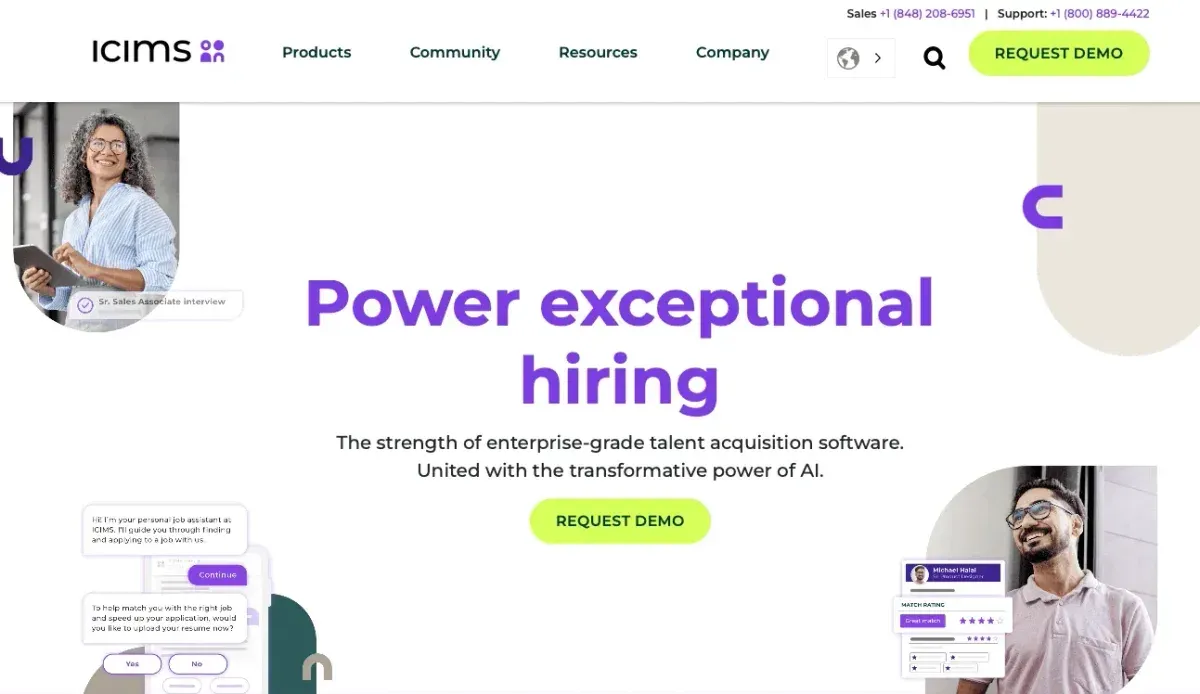
iCIMS Hire sits at the core of the iCIMS Talent Cloud, combining tracking, communication, analytics, and integrations in one hub. It serves thousands of companies and tends to suit organizations juggling dozens of open roles at once.
Key iCIMS Features
-
Social Distribution publishes jobs to 300+ social sites, with manual and automated posting
-
Hundreds of HR tool integrations through the iCIMS Marketplace
-
Scalable support for high-volume posting and tracking across large teams
Pros: Built for high-volume hiring, with a broad HR integration marketplace and recruitment marketing across social networks.
Cons: Pricing is quote-based with module and implementation fees added on, which can make the total cost prohibitive for small teams.
Good for: Medium to large enterprises in technology, healthcare, finance, and manufacturing with complex, high-volume hiring needs.
Workable
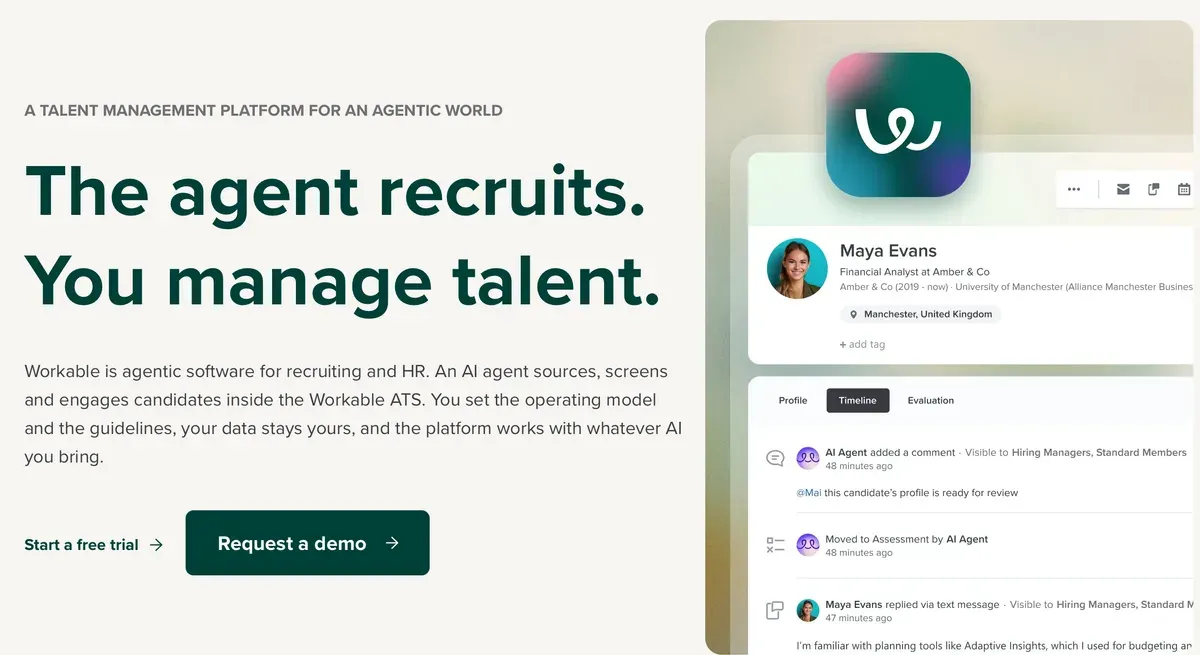
Workable is a sourcing-focused ATS for small businesses, serving tens of thousands of companies. Teams can go live in days, with one-click posting to 200+ job boards and a large built-in candidate database.
Key Workable Features
-
Standard plan starts at $299/month (billed annually for 1-20 employees), with add-on modules for onboarding, time tracking, and performance management, per Workable pricing page
-
AI-powered candidate matching, requisition building, and salary insights built into the core product
-
Visual candidate pipeline, interview scheduling, offer management, and multilingual support for international teams
Pros: Transparent starting price, a fast go-live, and a large built-in candidate database.
Cons: Costs rise as company headcount grows, since plans are priced by employee count, and some users find reporting and CRM tools less advanced than enterprise-grade alternatives.
Good for: Small to mid-sized businesses that need sourcing speed at a transparent price.
Greenhouse
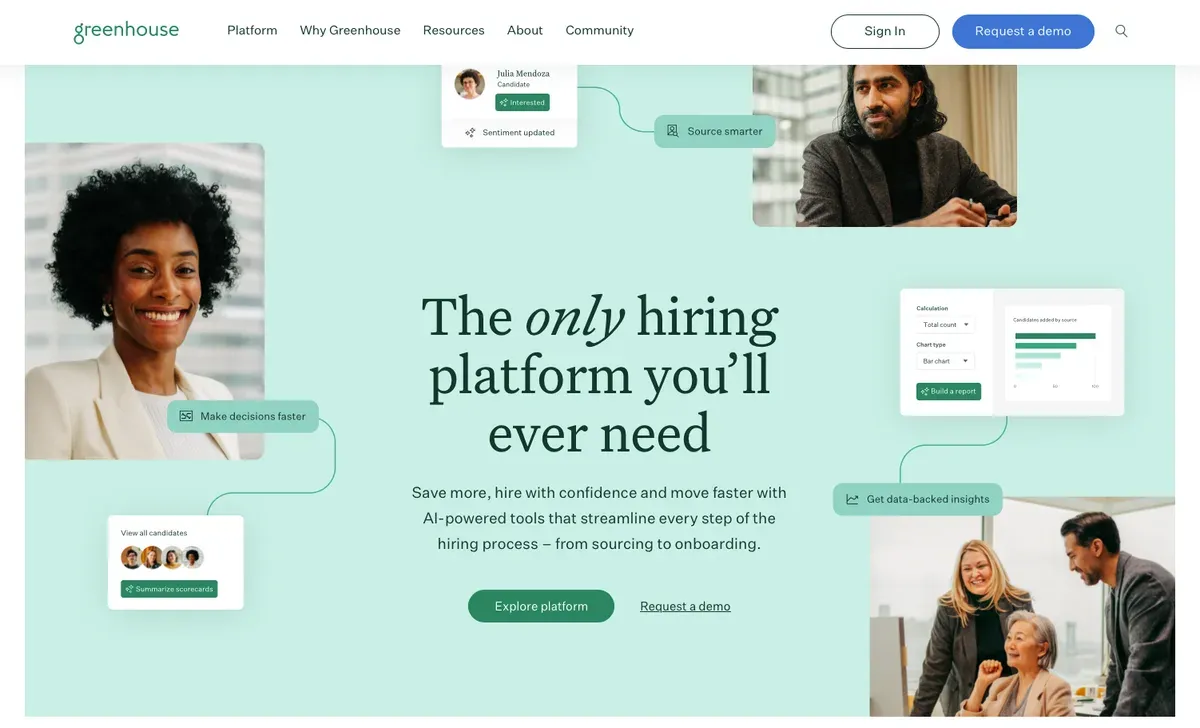
Greenhouse targets mid-size to enterprise companies that hire regularly and want structured, data-driven processes. It’s popular with tech and professional services firms, where structured interview kits and scorecards help keep hiring panels aligned.
Key Greenhouse Features
-
DEI tooling including anonymized reviews, inclusion analytics, and bias nudges
-
Pipeline velocity, source effectiveness, and offer acceptance reporting
-
Hundreds of pre-built integrations covering HRIS, background checks, and video interviewing
Pros: Structured workflows, DEI tooling, and deep integrations give dedicated recruiting teams a lot to work with.
Cons: Pricing is not published, advanced modules are priced separately, and some users report a setup better suited to dedicated recruiters than to lean teams.
Good for: Mid-market to enterprise teams with dedicated recruiting staff who need deep analytics and DEI tooling.
Lever
Lever combines ATS and CRM functionality called LeverTRM, giving recruiting teams one place to track applicants and manage long-term candidate relationships. It’s used by thousands of companies, especially in tech, ML, and AI.
Key Lever Features
-
Customizable analytics covering offer acceptance, interview feedback, and pipeline health
-
Automation for follow-ups and job posting across social channels
-
Wide third-party integrations with HR and productivity tools
Pros: Combines ATS and CRM for long-term candidate relationships with customizable analytics and task automation.
Cons: Some users report a steep learning curve, limited reporting customization, no onboarding tools, and custom-quote pricing.
Good for: Tech companies and enterprises needing combined ATS and CRM with advanced analytics.
Why Dover Is the Best Applicant Tracking System
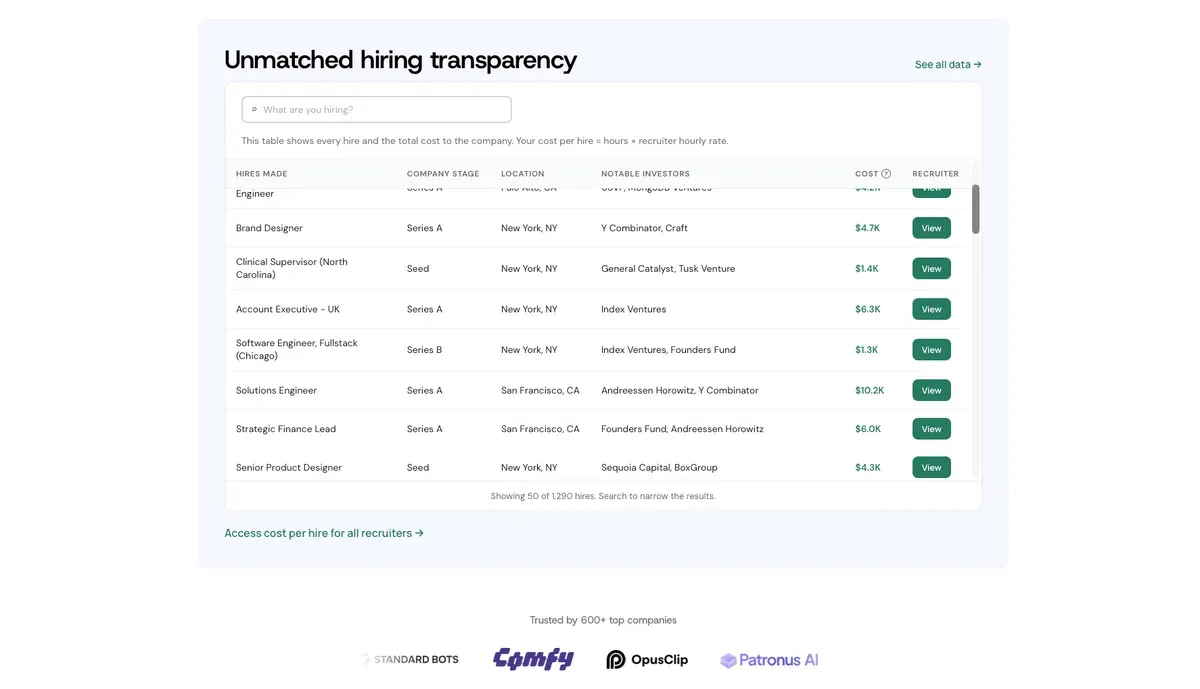
Dover pairs a free ATS, with unlimited jobs and users, with on-demand fractional recruiters who work hourly with no placement fees, averaging roughly $4,800 per hire across all roles. AI resume scoring is available on the $199/month premium plan. For startups hiring without a dedicated recruiting team, that combination is hard to find elsewhere.
How to Choose the Right ATS
Match the System to Your Company Size
Look at how many people you plan to hire this year, since a large enterprise tool adds unneeded steps for a small team while a bare-bones free tool can run out of room fast.
Calculate Total Cost of Ownership
Ask what happens to the bill as you add users or features, since seat fees, module add-ons, and implementation costs can push the real price well past the sticker number.
Check Setup Time and Ease of Use
Some systems go live in minutes while others take weeks of configuration and training, so weigh that setup time against any extra features a longer rollout might unlock.
Confirm Integrations You Already Rely On
Check that the ATS connects with the job boards, calendar tools, and HRIS systems your team already uses, since manual workarounds for basic connections add friction instead of removing it.
Plan for Hiring Volume Changes
Hiring needs rarely stay flat, so consider whether the system and any recruiting support attached to it can scale up or down as your volume shifts.
Know When Software Alone Isn’t Enough
An ATS handles the mechanics of hiring, posting jobs, collecting applications, scoring resumes, and keeping feedback in one pipeline, but it can’t supply recruiting capacity. When a role is senior or specialized, or when several roles are open at once, many teams add a fractional recruiter who works hourly inside the same ATS instead of hiring an outside agency.
FAQs
What types of applicant tracking systems work best for early-stage startups?
Free or low-cost systems with quick setup work best for a first 20-30 hires without dedicated recruiting staff. Look for AI screening, job board distribution, and unlimited users without seat-based pricing that scales with headcount.
How do AI features in an applicant tracking system work?
AI features can score resumes against job requirements, draft job descriptions, suggest interview questions, and summarize interview notes. These tools work as assistive filters instead of decision-makers, so recruiters and hiring managers still review candidates and make the final call.
When should I consider switching from my current applicant tracking system?
Consider switching when setup takes longer than a day, you’re paying for unused features, or pricing penalizes growth. A team avoiding the system because it slows them down is a clear signal. Missing integrations, manual workarounds, and weak reporting also point to a system that no longer fits.
What’s the difference between an ATS with a recruiter marketplace and hiring a traditional agency?
A recruiter marketplace typically offers hourly fractional recruiters who work inside your ATS without placement fees, while traditional agencies operate separately and charge 15-25% of first-year salary per hire. The marketplace model gives more control over cost and process, while agencies handle everything externally with less transparency.
Do I need a recruiter if I already use an ATS?
Not always. An ATS can be enough when you’re hiring a few roles a year, inbound applicants are strong, and someone on the team has time to screen and schedule. A recruiter is often worth adding when sourcing gets hard, a role is senior or specialized, or hiring pulls founders away from their core job.
Final Thoughts on Selecting an Applicant Tracking System
Understanding the different types of applicant tracking systems makes it easier to choose something that fits your current hiring needs without overcommitting too early. The right setup should support your team without adding extra work or cost as you grow. A common pattern for early-stage teams is to treat the ATS as the foundation and add fractional recruiters as capacity when roles get harder to fill. Dover is one example of that model, pairing a free ATS with on-demand recruiters who work in the same shared system, billed hourly, with an average cost per hire of roughly $4,800 across all roles.